How To Tell If Someone Blocked You On Instagram Or Deleted Their Account
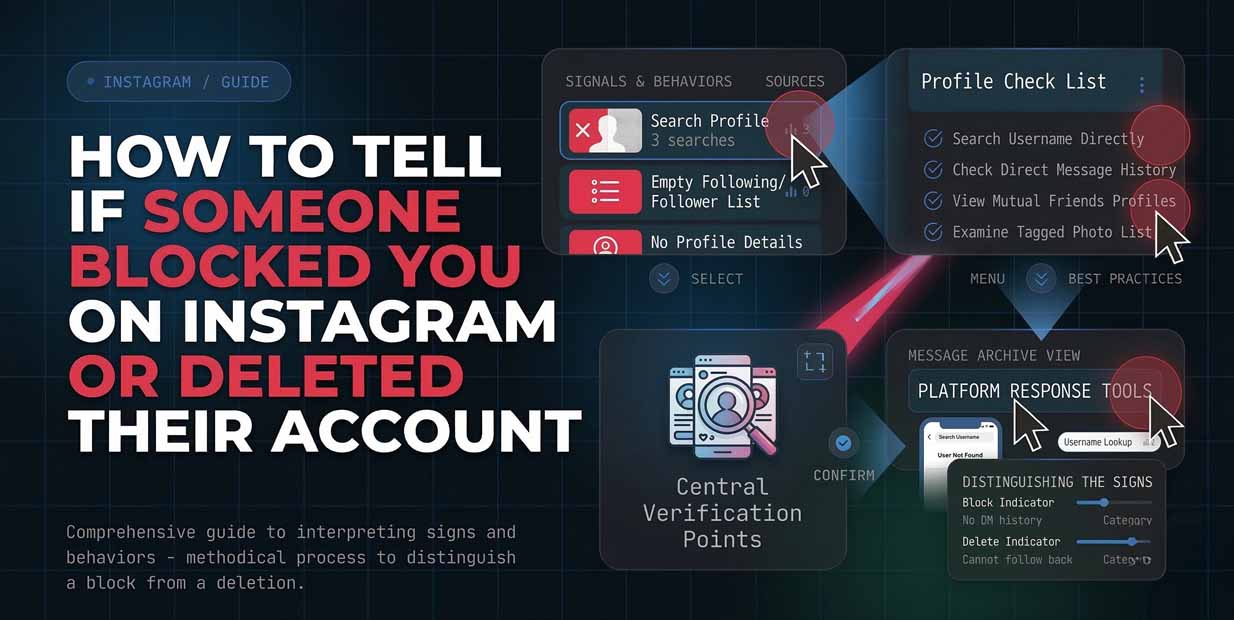
If you are searching how to tell if someone blocked you on instagram or deleted their account, you are not alone. Instagram can show the same symptoms for several situations like a block, a deactivated profile, a disabled account, or a username change. The key is to run a few checks in the right order so you do not mistake a temporary issue for a personal action.
Understanding What Instagram Shows
Instagram does not send a notification when someone blocks you, so you only see indirect signals. Instagram’s Help Center says that when someone blocks you, that person will not be able to find your profile, posts, or story, and you will not be able to find theirs either.
The confusing part is that similar signals can appear when an account is disabled, deleted, or renamed. Business Insider notes that a user not found style error can mean the account is unavailable for multiple reasons, including being blocked, disabled, deleted, or banned. Before you do anything else, confirm you are using the correct username and the correct Instagram account if you manage multiple profiles.
Instagram Block Check With Search And Links
This is the most practical Instagram block check because it uses two separate paths. First, search the exact username inside Instagram. If nothing appears, it is a strong hint but not final. Second, try opening the profile from a direct link. This can be a link you previously sent in messages, a tagged post, or a browser URL you saved. If the profile opens normally while you are logged out but fails when you are logged in, that pattern often points to a block.
Also consider the username changed scenario. Instagram’s Help Center says an account may not show up in search if it was compromised and the username was changed. If you suspect a rename, search for their display name, check mutual followers, or look at older comments where the name might still appear.
Account Deleted Or Blocked Signs That Look Similar
Many people get stuck because the same screens can appear for different outcomes. Here is what to look for when you are trying to decide whether the situation is Account deleted or blocked. If the profile is missing for everyone, including friends who never interacted with the person, it is more likely deactivated, deleted, or disabled. Guides that explain the user not found error emphasize that it can come from multiple causes, not only a block.
If the profile is missing only for you, while it remains visible to other accounts, it is more consistent with a block. Instagram’s Help Center language about blocks also supports this, since a blocked person cannot find the blocker’s profile. A third possibility is restriction rather than blocking. Restrict is designed to limit interaction quietly and does not remove profile visibility the same way. Instagram’s own guide explains that restrict changes comment visibility and message handling without fully cutting access like a block.
Can't Find Instagram Profile Try These Confirmations
If you Can't find Instagram profile in search, use these confirmations to avoid guessing.
Check direct messages
If you have an old DM thread, open it. Business Insider points out that past messages can remain visible even if someone blocked you, and the profile link inside the chat may show user not found.
Check tags, mentions, and old commentsIf you were tagged together in a photo or reel, try opening the tag. If their handle is no longer clickable or leads to an error, that supports the blocked hypothesis. If the tag now points to a different handle, that suggests a username change.
Check mutual friends
Ask a mutual friend to search the profile from their account. If they can see it and you cannot, it is a very strong indicator of a block.
Use another account you control
If you have a second Instagram account, repeat the search and direct link test. This is often the fastest way to separate a block from deletion.
What Instagram Says About Block And Restrict
Instagram’s official documentation makes one thing clear. Blocking is meant to cut off visibility and discovery. When someone blocks you, you cannot find their profile, posts, or story, and they are not notified when you block them. Restrict is different. Instagram describes restrict as a quieter control that limits interaction and visibility of comments and message notifications, without necessarily making the profile disappear in search the way blocking does. This matters because some users assume they are blocked when they are actually restricted, removed as a follower, or limited
Safe Next Steps And What To Avoid
Avoid third party apps that claim to reveal blocks instantly. If a tool asks for your Instagram password to run a check, treat it as a red flag. If your checks suggest a block, the cleanest next step is to respect the boundary and move on. If it was likely a deletion, there is nothing to fix on your side. If it might be a rename, try searching via mutual friends and older interactions, since Instagram notes that a changed username can affect search results. If you need closure for a work related reason, contact the person through a respectful channel outside Instagram. If the situation involves harassment or safety, use Instagram’s block and report tools rather than repeated attempts to reach the account.