How To Delete Collections On Tiktok
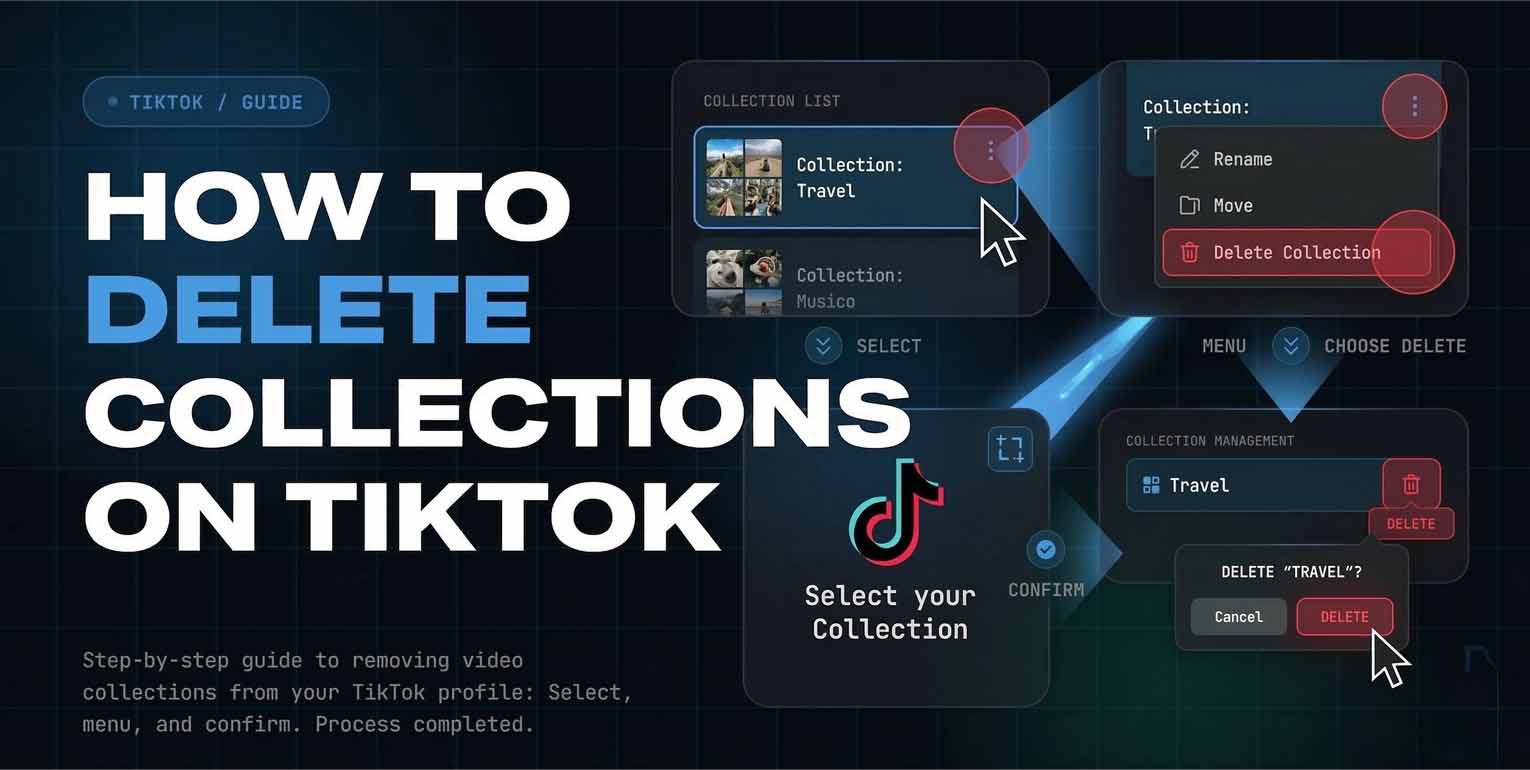
TikTok Collections are a simple way to organize your saved videos into folders, so your Favorites tab does not turn into one endless scroll. When you want a reset, deleting a collection is the fastest cleanup move, but many users hesitate because they worry it will erase the videos inside. In most cases, removing a collection only deletes the folder structure, while the videos remain in Favorites.
Understanding TikTok Collections And What Deleting Changes
Collections live inside your Favorites area, which you can reach from your Profile screen by tapping the bookmark icon and then opening Collections. A collection is basically a container for videos you already saved. When you delete a collection, you are removing that container, not necessarily removing the saved videos from your account. Several guides note that the videos still remain saved in Favorites after the collection is deleted.
Two quick checks before deleting anything
First, open the collection and confirm it is the one you want to remove, since the delete action is usually immediate once confirmed. Second, decide if you actually want to delete the whole folder or just remove a few videos from it, since TikTok also supports managing videos inside a collection through a manage videos flow in many versions
How To Delete Collections On Tiktok In The Mobile App
If you are searching how to delete collections on tiktok, this is the standard in app route that works for most users.
1 Open TikTok and tap Profile2 Tap the bookmark icon to enter Favorites3 Tap Collections and open the folder you want to remove 4 Tap the Share icon or the menu button near the top right of the collection screen 5 Tap Delete collection6 Confirm Delete
How To Delete Saved Collections On Tiktok Without Losing Videos
People often look up how to delete saved collections on tiktok because they want to reorganize without losing what they bookmarked. In most cases, deleting the folder does not erase the saved posts inside it. The videos usually remain in your Favorites list, and you can place them into a new folder later.
Instead of deleting the whole folder, remove only the videos you no longer want in that collectionOpen the collection
- Tap Manage videos if you see it
- Select the videos to remove
- Tap Remove
- This keeps the folder but refreshes what is inside it
If your goal is a full reset, delete the collection, then create a new one with a cleaner name and add videos back in batches. This is usually faster than trying to edit a crowded folder one video at a time.
How To Delete Saved Video Collections On Tiktok And Rebuild Cleanly
Users searching how to delete saved video collections on tiktok often have two needs at once: remove clutter and keep a system that stays organized. Start with three folders only, such as Watch Later, Recipes, and Shopping. Limit each folder to one purpose so it stays searchable. When a folder grows too large, delete it and recreate it with a tighter theme rather than letting it become a junk drawer. Also remember that Favorites are not the same as Likes. Collections are built from favorites, not from liked videos, so make sure you are saving videos before trying to file them.
How To Delete Tiktok Collections On Iphone With The Same Steps
If you are specifically searching how to delete tiktok collections on iphone, the process is still done inside the TikTok app, not in iPhone settings.
- Use this iPhone friendly checklist
- Go to Profile
- Tap the bookmark icon
- Open Collections
- Select the folder
Tap the top right menu area, then choose Delete collection and confirm.
On iPhone, the button may appear as a Share icon on some versions or a three dot menu on others. If you see neither, update TikTok from the App Store and try again, since older builds can hide newer controls.
How To Delete Favorite Collections On Tiktok When The Delete Option Is Missing
If you are trying to learn how to delete favorite collections on tiktok and you cannot find the delete button, the cause is usually one of these:
App version mismatchUpdate TikTok, then force close and reopen it
You are looking at the wrong sectionCollections are inside the Favorites bookmark area, not your posted videos tab
You are on web TikTokSome sources note that certain collection management actions are app only, so you may need the mobile app to fully delete a folder
Temporary UI variationIn some builds, delete is under Share, in others it is under the three dot menu, and in some it appears after you tap Manage.
If you still cannot delete, create a new collection, move the videos over, then leave the old one empty. After that, restart the app and try deletion again. Empty folders are often easier to remove because there is less content to load. If you manage a lot of folders, set a quick monthly cleanup habit. Delete collections you no longer use, rename the ones that still matter, and keep each folder focused on one topic. This keeps Favorites fast to browse and prevents important saves from getting buried. Always double check you are in Collections, not Likes.