Blog

SMM Panel Tips, Social Media Marketing Guides & Provider SMM Panel News

How To Know If Someone Blocked You On Tiktok - GodofPanel SMM Panel Blog

How To Know If Someone Blocked You On Tiktok

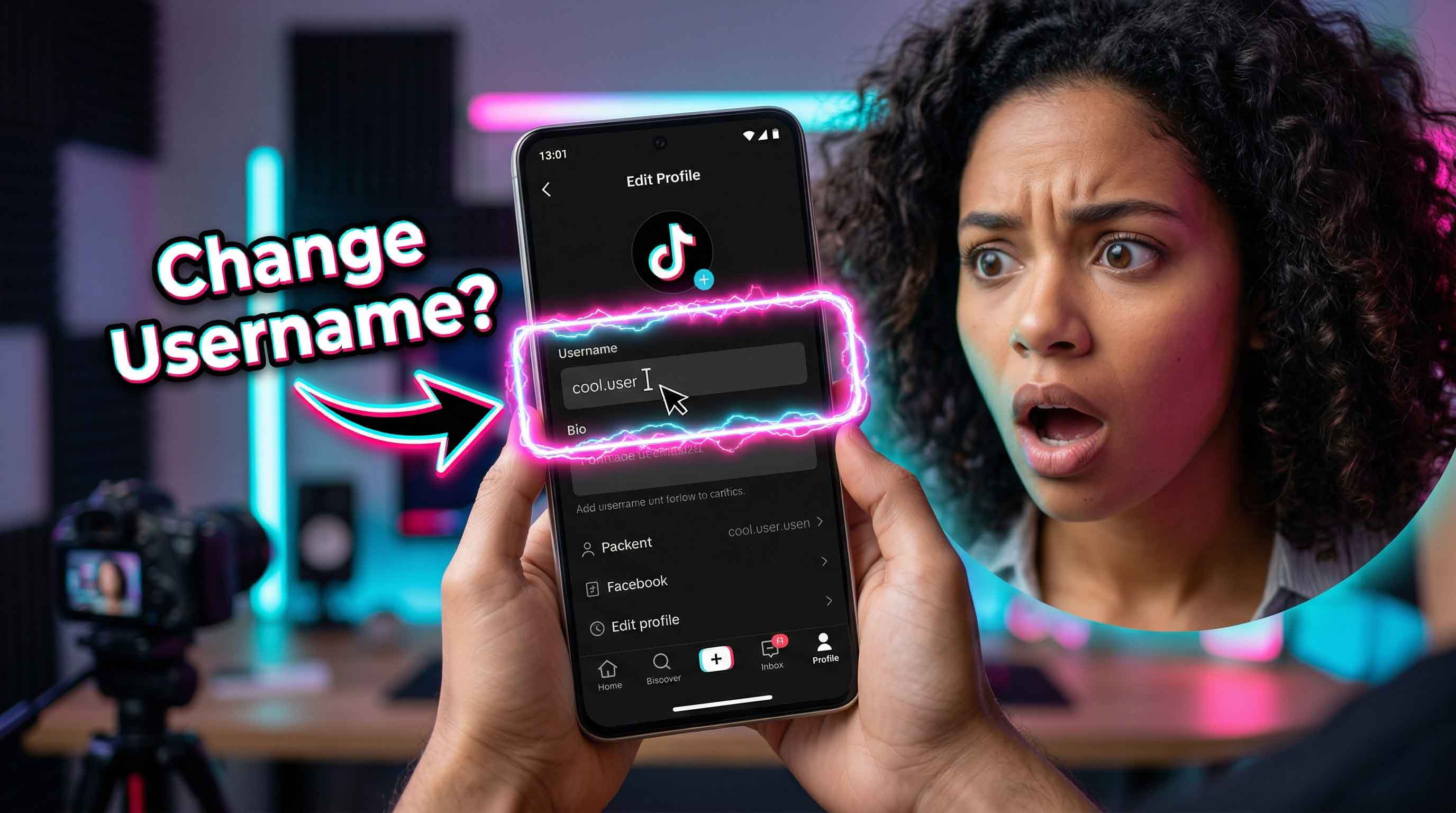
Getting blocked on TikTok can look a lot like a glitch or a deactivated account, so the only reliable approach is to test a few signals in a calm, methodical way. TikTok’s own definition of blocking is simple: when someone blocks you, you can’t view each other’s posts, find each other in search, or exchange direct messages, and TikTok does not notify the blocked person. What blocking on TikTok actually changes Blocking cuts off direct interaction. You should no longer be able to search and open their profile normally, follow them, or DM them. TikTok also notes there are shared spaces where you might still see each other, like group chats or certain LIVE formats, so one single sign is not always final.  Search their username the right way The fastest test for how to know if someone blocked you on tiktok is to type their exact handle into TikTok search, including the correct spelling and any underscores. If nothing appears, that is a strong indicator, but not absolute proof. They may have changed their username, deleted their account, or been removed by TikTok. That’s why you need at least one more check. Open their profile from a direct link If you have their profile URL or a past message notification that links to their profile, try opening it. If it fails inside the app, try opening the same link in a mobile browser while logged out. This helps separate a true block from a simple search issue. If the account is genuinely gone, it typically fails for everyone. If it looks normal when you are logged out but not when you are logged in, that points more strongly to a block. Check your existing DMs with them If you previously had a DM thread, open your inbox and search the conversation name. If the chat disappears or you cannot send a message, blocking is a likely cause. TikTok’s help guidance explains that blocking prevents direct messaging between the two accounts. Be careful here because privacy settings can also stop messages without a block. TikTok allows users to control who can send them DMs, and those settings can change what you see and whether you can message. This step is often what people mean when they ask how to know if someone on tiktok blocked you, because the inbox change feels immediate. Look for past interactions on your videos If they used to comment on your posts, try finding one of those comments. Blocking does not always erase public history in the same way for every viewer, and behavior can vary by app version. If their profile becomes unclickable or shows an error when you tap it, that supports the blocked hypothesis. Also check whether their likes or follows vanished. TikTok says blocking removes prior connections between you two. Use a second account for confirmation To verify how to know if someone has blocked you on tiktok, the cleanest method is to search their username from another TikTok account you control, or ask a trusted friend to check. Do not use shady websites that promise instant answers. If the account is visible to another account but not to yours, it is highly consistent with being blocked. If it is invisible to everyone, the account is more likely deleted, renamed, or removed. Rule out the common false positives Many people searching how to know if someone has you blocked on tiktok are actually seeing one of these situations instead: Account deleted or suspended If the profile is gone for every account, that is not a block. Username changed Search the old handle and you see nothing, but the person still exists under a new name. Privacy and messaging controls A user can limit who can DM them. TikTok explicitly supports DM permission controls in settings, so a message failure alone is not proof.  Restricted visibility in shared spaces TikTok notes you may still see a blocked person in some shared contexts like group chats. That can confuse people because it feels like you are not blocked, yet you cannot open the profile normally. What Reddit gets right and wrong A lot of users type how to know if someone blocked you on tiktok reddit hoping for a single magic sign. Reddit threads can be useful for spotting patterns, but the platform changes often, and personal anecdotes may ignore privacy settings or account deletions. Treat Reddit as a starting point, then confirm using the steps above. What not to do Avoid any tool that asks for your TikTok login to “recover” access or check block status. TikTok already gives you the built in signals you need, and third parties can compromise your account. Also avoid repeatedly creating new accounts to probe someone who has blocked you. TikTok can restrict accounts for attempts to avoid restrictions or bans, and aggressive behavior can create new problems for you.  If you confirm you were blocked, what next Sometimes a block is personal, sometimes it is just a boundary choice, and sometimes it is accidental. If you need to resolve something, use a respectful channel outside TikTok. If it is about harassment or safety, report and protect your space. TikTok provides safety tools like blocking and reporting for this reason.
How To Get More Followers On Facebook - GodofPanel SMM Panel Blog

How To Get More Followers On Facebook

Growing a Facebook audience is not only about posting more. The platform has been shifting toward follower based signals, short form video distribution, and originality checks, which means the tactics that worked a few years ago may feel slower today. On top of that, Meta has been moving Pages toward follow as the primary relationship signal, including changes where Pages display follower counts and like counts are de emphasized, and guidance that users can follow Pages even if they cannot like them in the same way going forward.  Understanding What Counts As A Follower In 2025 A follower is someone who has chosen to see your content in their feed more often. Facebook describes following as a way your posts may appear in their feed. That is why a follower is more valuable than a random like on a single post. If you are researching how to get more followers on facebook 2025, start by aligning your expectations with what Facebook is currently rewarding. Meta has been pushing more video discovery and more recommendations, with major updates built around Reels and faster interest learning. That makes content format and watch behavior more important than posting frequency alone. Use this phrase as your guiding question once per week: How to get more followers on facebook. Treat it like a systems problem, not a one post gamble. Optimizing Your Page For Discovery And Trust Most growth stalls because the Page is not conversion ready. People see a Reel, tap your profile, then leave because nothing answers who you are and why they should follow. For anyone focused on how to get more followers on facebook page, these are the essentials to polish: Your profile photo and cover should clearly match your niche and brand styleYour bio should state what viewers get by following, in plain languageYour call to action button should match your next step, like shop, book, message, or callYour pinned post should introduce your best content category, not a random announcement If you are building a brand, the same principles answer how to get more followers on facebook business page and how to get more followers on business facebook page. The business edge comes from clarity. People follow Pages that feel consistent. Do not overlook the shift in how Pages present audience signals. Meta has explained that follower count is the primary number shown for Pages and the traditional like count is no longer the core metric. That makes follower conversion even more important than before. Publishing Content That Facebook Currently Promotes page and how to get more followers on business facebook page. The business edge comes from clarity. People follow Pages that feel consistent. Do not overlook the shift in how Pages present audience signals. Meta has explained that follower count is the primary number shown for Pages and the traditional like count is no longer the core metric. That makes follower conversion even more important than before. Publishing Content That Facebook Currently Promotes The fastest way to reach non followers in 2025 is original video that holds attention. Meta has been expanding Reels placement, and Reuters reported that Facebook plans to classify all new Facebook videos as Reels as part of a broader rollout. To keep distribution healthy, follow Meta’s own Reels best practices. Meta advises avoiding low quality video, and warns against visibly recycled content from other apps, including watermarked reposts. The Verge also reported Meta tightening penalties for repeated reposting and spam behavior, including reduced reach and monetization limits for repeat offenders.  Here are practical content lanes that work well across niches: Short educational Reels with one clear takeawayBefore after transformations with a simple story arcBehind the scenes clips that reveal process, not perfectionCustomer proof clips, with permission, that show outcomesFast tutorials that end with a follow prompt for part two If you are specifically searching how to get more followers on facebook page 2025, prioritize content that can be recommended to strangers. That usually means Reels, shareable carousels, and short native videos with strong hooks. Turning Engagement Into Followers With Built In Tools Once you get reach, you need conversion levers. The simplest lever is inviting people who already engaged. Facebook provides a Page option to invite friends to follow your Page. Many Pages also use a workflow where you review reactions on posts and invite eligible users to follow. The interface can vary by Page type and rollout, but it is a common, legitimate tactic because it targets people who already showed interest. This section is the most direct answer to how to get more page followers on facebook without spending money. Pair it with a consistent follow prompt in your content. Say what they get if they follow, like daily tips, weekly deals, or new product drops. If you want to cover how to get more likes and followers on facebook at the same time, build posts that invite low friction reactions, then use those reactions as your invite pool. Reactions create momentum, and invites convert that momentum into long term audience. Growing Followers Free With Community And Partnerships Free growth still works, but it is slower and it requires distribution strategy. If you are looking for how to get more followers on facebook for free, focus on owned and earned channels rather than shortcuts. A clean approach: Post content that solves one small problem per post. Share it into relevant Groups where self promotion is allowed, with value first. Collaborate with nearby Pages that serve the same audience, not direct competitors. Go Live for Q and A sessions, then clip the best moments into Reels. Create simple series formats so viewers know what comes next. This is also the practical path for how to get more followers on facebook page free. You are not buying reach, you are borrowing attention through community relevance. Meta for creators also emphasizes making original content that keeps audiences engaged from start to finish, which supports both reach and loyalty. Measuring What Works And Scaling Without Losing Quality Then tighten your strategy around what already performs. Avoid posting huge volumes of near duplicate content. Meta has been explicit about reducing distribution for unoriginal and spammy behavior. If you are searching how to get more followers on facebook 2025 tips, the core is this: get more recommended reach by publishing original Reels, then convert that reach by making your Page instantly understandable and using invites to follow. Meta has even launched creator education hubs that connect content formats like Reels with follower growth and reach concepts. 
How To Delete Collections On Tiktok  - GodofPanel SMM Panel Blog

How To Delete Collections On Tiktok

TikTok Collections are a simple way to organize your saved videos into folders, so your Favorites tab does not turn into one endless scroll. When you want a reset, deleting a collection is the fastest cleanup move, but many users hesitate because they worry it will erase the videos inside. In most cases, removing a collection only deletes the folder structure, while the videos remain in Favorites. Understanding TikTok Collections And What Deleting Changes Collections live inside your Favorites area, which you can reach from your Profile screen by tapping the bookmark icon and then opening Collections. A collection is basically a container for videos you already saved. When you delete a collection, you are removing that container, not necessarily removing the saved videos from your account. Several guides note that the videos still remain saved in Favorites after the collection is deleted. Two quick checks before deleting anything First, open the collection and confirm it is the one you want to remove, since the delete action is usually immediate once confirmed. Second, decide if you actually want to delete the whole folder or just remove a few videos from it, since TikTok also supports managing videos inside a collection through a manage videos flow in many versions How To Delete Collections On Tiktok In The Mobile App If you are searching how to delete collections on tiktok, this is the standard in app route that works for most users. 1 Open TikTok and tap Profile2 Tap the bookmark icon to enter Favorites3 Tap Collections and open the folder you want to remove 4 Tap the Share icon or the menu button near the top right of the collection screen 5 Tap Delete collection6 Confirm Delete How To Delete Saved Collections On Tiktok Without Losing Videos People often look up how to delete saved collections on tiktok because they want to reorganize without losing what they bookmarked. In most cases, deleting the folder does not erase the saved posts inside it. The videos usually remain in your Favorites list, and you can place them into a new folder later.  Instead of deleting the whole folder, remove only the videos you no longer want in that collectionOpen the collection Tap Manage videos if you see it Select the videos to remove Tap Remove This keeps the folder but refreshes what is inside it If your goal is a full reset, delete the collection, then create a new one with a cleaner name and add videos back in batches. This is usually faster than trying to edit a crowded folder one video at a time. How To Delete Saved Video Collections On Tiktok And Rebuild Cleanly Users searching how to delete saved video collections on tiktok often have two needs at once: remove clutter and keep a system that stays organized. Start with three folders only, such as Watch Later, Recipes, and Shopping. Limit each folder to one purpose so it stays searchable. When a folder grows too large, delete it and recreate it with a tighter theme rather than letting it become a junk drawer. Also remember that Favorites are not the same as Likes. Collections are built from favorites, not from liked videos, so make sure you are saving videos before trying to file them. How To Delete Tiktok Collections On Iphone With The Same Steps If you are specifically searching how to delete tiktok collections on iphone, the process is still done inside the TikTok app, not in iPhone settings. Use this iPhone friendly checklist Go to Profile Tap the bookmark icon Open Collections Select the folder Tap the top right menu area, then choose Delete collection and confirm. On iPhone, the button may appear as a Share icon on some versions or a three dot menu on others. If you see neither, update TikTok from the App Store and try again, since older builds can hide newer controls. How To Delete Favorite Collections On Tiktok When The Delete Option Is Missing If you are trying to learn how to delete favorite collections on tiktok and you cannot find the delete button, the cause is usually one of these: App version mismatchUpdate TikTok, then force close and reopen it You are looking at the wrong sectionCollections are inside the Favorites bookmark area, not your posted videos tab  You are on web TikTokSome sources note that certain collection management actions are app only, so you may need the mobile app to fully delete a folder  Temporary UI variationIn some builds, delete is under Share, in others it is under the three dot menu, and in some it appears after you tap Manage.  If you still cannot delete, create a new collection, move the videos over, then leave the old one empty. After that, restart the app and try deletion again. Empty folders are often easier to remove because there is less content to load. If you manage a lot of folders, set a quick monthly cleanup habit. Delete collections you no longer use, rename the ones that still matter, and keep each folder focused on one topic. This keeps Favorites fast to browse and prevents important saves from getting buried. Always double check you are in Collections, not Likes.
Ajudando marcas de moda a tomar decisões mais sustentáveis - GodofPanel SMM Panel Blog

Ajudando marcas de moda a tomar decisões mais sustentáveis

O Desafio das Matérias-Primas na Indústria da ModaA indústria da moda está em uma encruzilhada, com sua pegada ambiental lançando uma longa sombra sobre os esforços globais de sustentabilidade. Responsável por até 8% das emissões globais de gases de efeito estufa, o impacto do setor é profundo, e uma parte significativa vem logo no início: o fornecimento de matérias-primas. Esta etapa é frequentemente a mais opaca, onde os dados sobre as consequências ambientais são escassos, mas o potencial para uma mudança positiva é imenso. É aqui que decisões críticas definem a trajetória de todo o ciclo de vida de uma peça de vestuário.
Você pode alterar seu nome de usuário no Twitter? - GodofPanel SMM Panel Blog

Você pode alterar seu nome de usuário no Twitter?

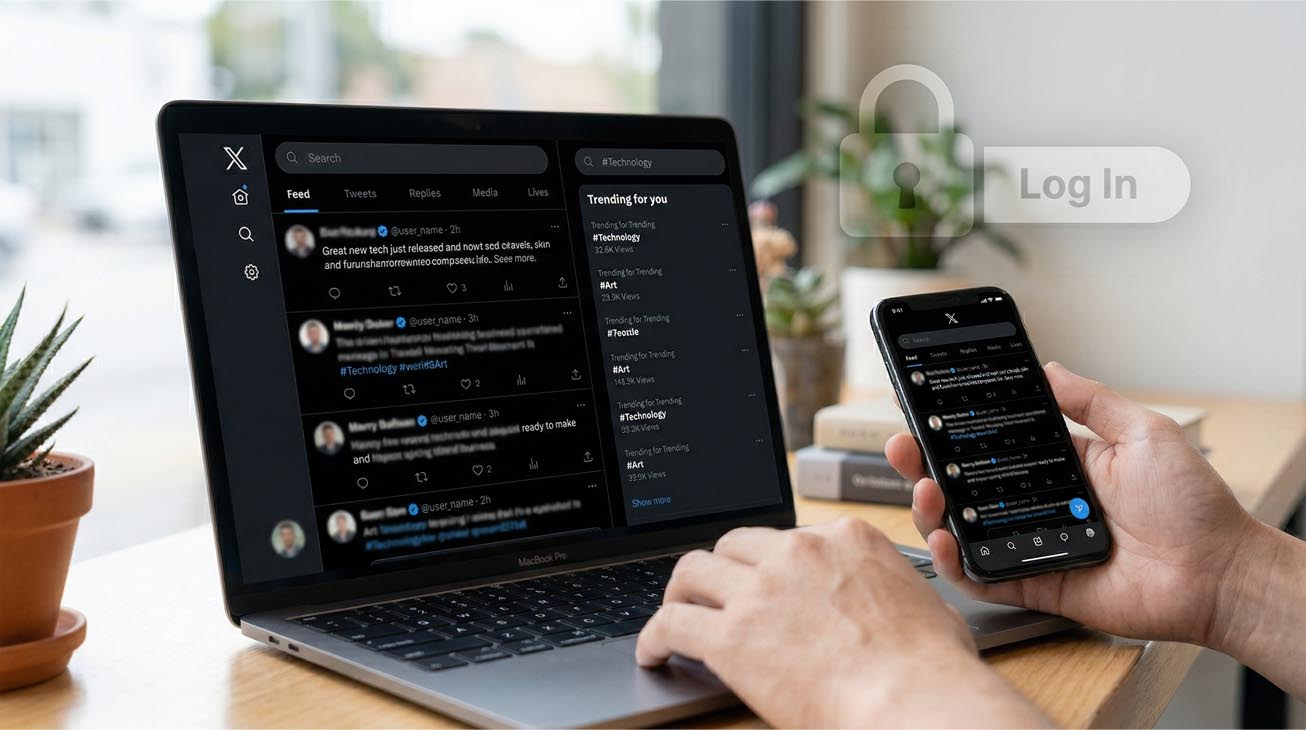
Alterar o seu @nome_de_utilizador é uma das formas mais rápidas de renovar a sua identidade no X, ainda amplamente chamado de Twitter, mas funciona melhor quando compreende o que um identificador (handle) afeta e o que não afeta. O seu nome de utilizador, também chamado de handle, é o identificador único que começa com o símbolo @ e aparece no URL do seu perfil, em respostas e em Mensagens Diretas. O Que É Um Handle No Twitter E O Que Muda No X, o seu nome de utilizador é o @handle que as pessoas utilizam para o encontrar, mencionar e enviar mensagens. Também faz parte do URL do seu perfil. O X separa isto do seu nome de exibição (display name), que pode ser alterado de forma independente e não precisa de ser único. Quando muda o seu nome de utilizador, algumas coisas podem alterar-se imediatamente. O URL do seu perfil é atualizado para o novo handle, uma vez que o handle faz parte do URL. As pessoas que pesquisarem pelo seu handle antigo podem não o encontrar, a menos que conheçam o novo. Links ou etiquetas antigas que utilizem o handle anterior podem deixar de apontar corretamente para a sua conta, razão pela qual o próprio X avisa que tags ou links antigos podem quebrar após uma mudança de handle. O seu handle antigo fica disponível para que outra pessoa o possa reclamar, por isso, esperar demasiado tempo para comunicar a mudança pode gerar confusão. Como Alterar O Seu Handle Nas Definições De Conta Se se pergunta se pode alterar o seu handle no Twitter, a resposta da plataforma é sim, e o X fornece um fluxo oficial em Definições e privacidade. Se pretende saber se pode alterar o seu handle no Twitter a partir da aplicação móvel, note que o X afirma que a alteração do nome de utilizador pode não ser suportada nas aplicações móveis em alguns casos, recomendando o uso de x.com ou mobile.x.com se não conseguir aceder à opção. Abra as Definições e privacidade Vá a Conta Selecione Nome de utilizador Introduza o novo handle; se este estiver ocupado, ser-lhe-á solicitado que escolha outro Guardar O X também publica regras básicas para nomes de utilizador, como caracteres permitidos e formatação, o que é importante caso o botão de guardar não funcione ou continue a ver uma mensagem de erro inválida. Linha de esclarecimento rápido para intenção de pesquisa Pode alterar o seu handle no Twitter? Sim, através do campo Nome de Utilizador nas definições de conta, com verificações de disponibilidade e limites de regras aplicados. Pode Alterar O Seu Handle No Twitter Sem Perder Seguidores? Muitos utilizadores preocupam-se com a perda de seguidores, e a resposta operacional curta é que a alteração do seu handle não remove automaticamente seguidores, publicações ou DMs. O maior risco é a confusão social. As pessoas podem não reconhecer o novo handle e assumir que seguiram a conta errada. Esta é a situação exata por trás da dúvida sobre mudar o handle sem perder seguidores, e a melhor prática é tratar o processo como um "mini rebranding": Publique um anúncio rápido antes e depois da mudança. Atualize a sua biografia para que o novo handle ainda corresponda à identidade que as pessoas esperam. Monitorize tentativas de personificação, uma vez que o seu handle antigo pode ser libertado para outros utilizadores. Se o seu handle foi obtido através do X Handle Marketplace, existem restrições extra. O X afirma que as transferências de handle são limitadas a uma transferência a cada seis meses por conta, e que o X pode reclamar o handle recebido através do marketplace se o alterar posteriormente. Com Que Frequência Pode Alterar O Seu Handle No Twitter? As pessoas perguntam com que frequência podem alterar o handle no Twitter e a plataforma não publica um contador diário ou mensal simples no artigo principal sobre mudança de handle. Na prática, o que os utilizadores experienciam não é um limite de calendário fixo, mas sim fricção devido às regras de disponibilidade e limites de taxa (rate limiting) ocasionais, que surgem como erros ao tentar guardar. Uma forma segura de pensar sobre a frequência é: O X não lista publicamente um número estrito de alterações de nome de utilizador permitidas no artigo de ajuda principal. Se tentar várias alterações num curto espaço de tempo, poderá atingir um erro de limite de taxa; o passo correto é esperar e tentar mais tarde, em vez de insistir no botão de guardar. Se a sua alteração envolver o Handle Marketplace, a frequência de transferência é explicitamente limitada a uma a cada seis meses. Isto também responde a quantas vezes pode alterar o seu handle de forma prática. Pode atualizar quando necessário, mas mudanças frequentes são uma má ideia para a clareza da marca e podem desencadear restrições temporárias. O Que Fazer Imediatamente Após A Alteração As primeiras horas após uma mudança de handle são as que geram mais confusão. O próprio X recomenda preparar os seguidores para a mudança e destaca que links antigos podem quebrar, por isso é inteligente fazer a limpeza imediatamente. Lista de verificação para se manter detetável: Atualize o link do seu perfil em qualquer lugar onde ele apareça (site, assinatura de e-mail, ferramentas de "link na bio" e outros perfis sociais). Fixe uma publicação (pinned post) que indique o seu novo handle durante uma semana. Pesquise pelo seu handle antigo na pesquisa do X e verifique o que ainda aparece. Monitorize as suas menções durante alguns dias, pois algumas pessoas continuarão a identificar o handle antigo por hábito. Se for uma marca ou criador, atualize quaisquer publicações agendadas que ainda refiram o @nome_de_utilizador antigo. Evite tentar enganar o sistema criando contas semelhantes ou handles enganadores. O X tem políticas focadas na autenticidade que podem criar riscos para a conta quando os padrões parecem manipuladores. Resolução De Problemas Comuns Na Alteração De Handle Se o seu novo handle não for guardado, o problema geralmente reside numa destas três categorias. O handle não está disponível Alguns nomes de utilizador já estão ocupados ou indisponíveis por outros motivos, e o X aconselha a selecionar um diferente quando isso acontece. Não consegue alterar na aplicação O X nota que a alteração de nomes de utilizador pode não ser suportada nas aplicações móveis e recomenda fazê-lo através de x.com ou mobile.x.com. O acesso via web é a opção mais consistente. A plataforma não guarda as definições da conta O X lista razões comuns para as definições não serem guardadas, incluindo caracteres problemáticos no seu nome ou URLs marcados como inseguros nos campos do seu perfil. Corrigir estes elementos pode permitir que a alteração seja processada. Se continuar a ver uma mensagem de limite temporário, faça uma pausa e tente mais tarde.
O 'segredo de ₹2 lakh' do YouTube: quanto 1 milhão de visualizações pode render na Índia - GodofPanel SMM Panel Blog

O 'segredo de ₹2 lakh' do YouTube: quanto 1 milhão de visualizações pode render na Índia

O Valor Real de um Milhão de VisualizaçõesQuando o CEO do YouTube, Neal Mohan, revelou na WAVES 2025 Summit que a plataforma pagou impressionantes ₹21.000 crore a criadores indianos ao longo de três anos, isso destacou a imensa oportunidade financeira dentro do cenário digital do país. Mas o que isso significa para o criador individual? Especificamente, o potencial de ganho com 1 milhão de visualizações — frequentemente chamado de 'segredo de ₹2 lakh' — varia amplamente com base em vários fatores críticos. Em média, YouTubers indianos podem esperar ganhar entre ₹50.000 e ₹2.00.000 ao atingir a marca de um milhão de visualizações, mas essa faixa não é fixa.
Novo App Firefly AI da Adobe Permite Experimentar Geração de Imagens e Vídeos por IA de Graça - GodofPanel SMM Panel Blog

Novo App Firefly AI da Adobe Permite Experimentar Geração de Imagens e Vídeos por IA de Graça

O que é o App Firefly AI da Adobe?O novo app Firefly AI da Adobe é uma ferramenta revolucionária para celular e web que democratiza a geração de imagens e vídeos por IA, permitindo que qualquer pessoa crie visuais incríveis de graça. Com um simples download, você pode aproveitar o poder da IA generativa em qualquer lugar, começando com alguns créditos gratuitos para despertar sua criatividade.
Como Mudar o Nome do Seu Canal do YouTube - GodofPanel SMM Panel Blog

Como Mudar o Nome do Seu Canal do YouTube

Navegando pelas Políticas de Mudança de Nome do Canal do YouTubeAntes de mergulhar nas etapas, é crucial entender a estrutura do YouTube para mudanças de nome para evitar surpresas. O YouTube permite que você mude o nome do seu canal, mas com regras específicas: você só pode fazer isso duas vezes em um período de 14 dias, e cada alteração deve estar em conformidade com as Diretrizes da Comunidade, proibindo termos ofensivos ou enganosos. É importante notar que, se seu canal foi verificado, mudar o nome removerá esse selo de verificação, exigindo um processo de reaplicação. Essa política garante a integridade da plataforma enquanto dá flexibilidade aos criadores para o rebranding.
Apresentando o TikTok Shop - GodofPanel SMM Panel Blog

Apresentando o TikTok Shop

A Ascensão do TikTok Shop: Da Descoberta às Vendas DiretasO TikTok Shop está remodelando fundamentalmente o cenário do e-commerce ao fundir entretenimento com poder de compra instantâneo. Não mais confinado a tendências virais, a plataforma agora entrega vídeos e transmissões AO VIVO compráveis diretamente no feed "Para Você" dos usuários, transformando a rolagem passiva em compras ativas. Essa integração perfeita capacita marcas, comerciantes e criadores a exibir produtos em um ambiente dinâmico e envolvente, onde os espectadores podem comprar com um único toque sem nunca sair do aplicativo.
Como a IA do Google Está Ajudando o Reddit a Superar o TikTok e Alcançar 60% dos Usuários de Internet do Reino Unido - GodofPanel SMM Panel Blog

Como a IA do Google Está Ajudando o Reddit a Superar o TikTok e Alcançar 60% dos Usuários de Internet do Reino Unido

A Ascensão Improvável: A Dominação do Reddit no Reino UnidoDados do regulador de comunicações do Reino Unido, Ofcom, revelam uma mudança sísmica: o Reddit agora alcança quase 60% dos usuários de internet do país, um salto impressionante em relação aos 33% de apenas dois anos atrás. Este aumento de 88% no alcance total o impulsionou para além do TikTok, tornando-se a quarta plataforma de mídia social mais visitada no Reino Unido, marcando um momento crucial no consumo digital.
Services API