How to See Dislikes On Youtube
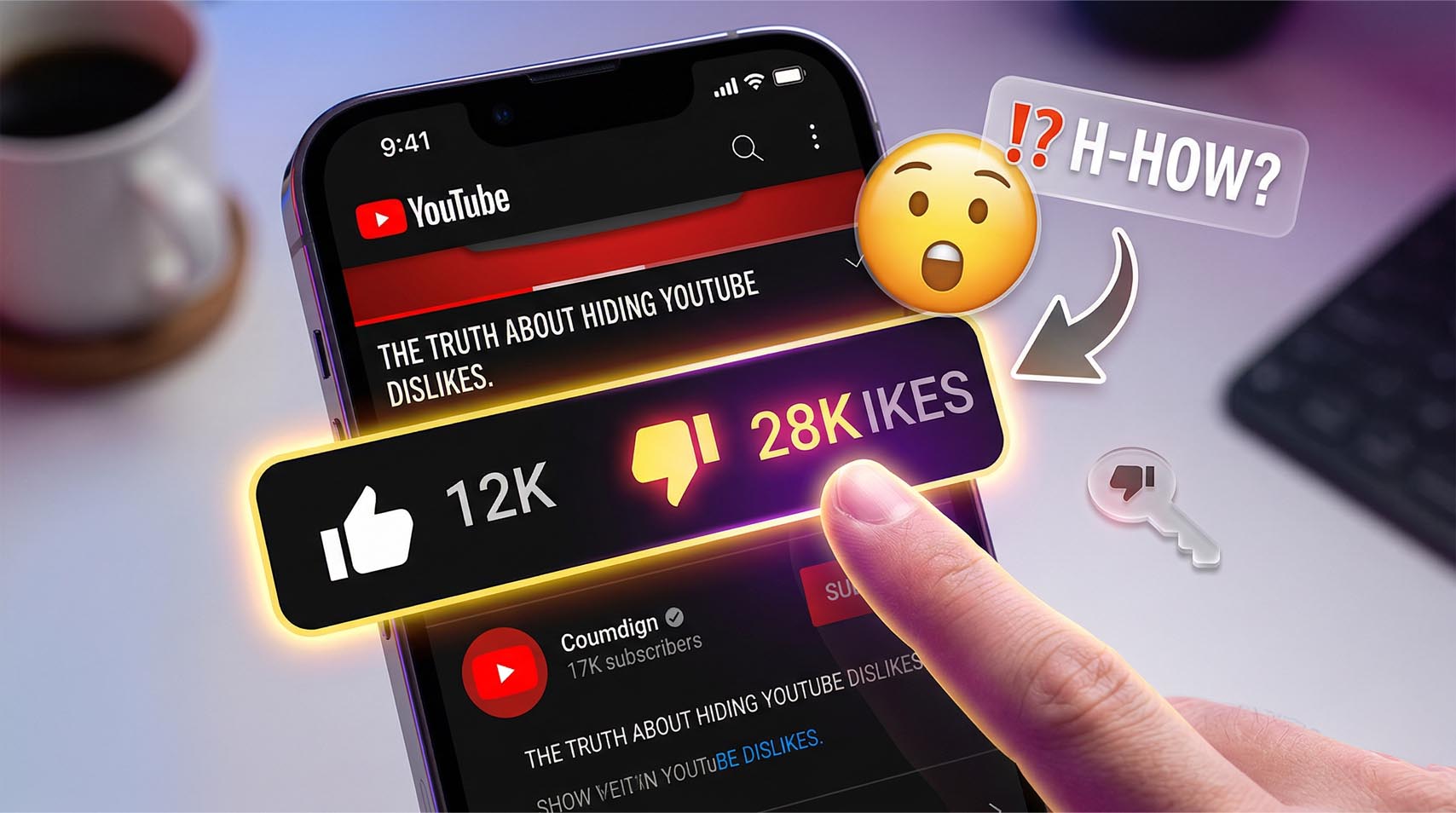
A lot of viewers still search for a simple fix that will bring dislike counts back to every video page. The honest answer is a little more limited now. YouTube made public dislike counts private for viewers in late 2021, while keeping the dislike button itself active. Creators can still view their own dislike data inside YouTube Studio, but regular viewers no longer get the official public total on the watch page. YouTube also removed public dislike data from its API for general viewer use, which is why many old tutorials no longer match what people see today. If you are trying to figure out how to see the dislikes on youtube, the most important thing to know is that there is no native public setting inside YouTube that restores the original count for normal viewers. What exists now is a mix of creator-side analytics and third-party tools that estimate or reconstruct dislike numbers. That is why the topic still confuses so many people. The button stayed, the visible public count did not.
How To See Dislikes On YouTube?
For a normal viewer, there is no official YouTube feature that shows the exact public dislike total on every video anymore. YouTube’s own announcement says dislike counts are private across the platform, and its API revision history says the dislikeCount field became private as of December 13, 2021, except in authenticated owner scenarios. So when people ask how to see dislikes on youtube, the current answer is that the official platform itself does not show viewers the exact number. That also answers related searches like how to see how many dislikes on youtube and how to see number of dislikes on youtube. If you are browsing as a regular viewer, YouTube does not provide that official total on the watch page. You can still click the dislike button as feedback, though the visible public number is hidden from viewers.
Why You No Longer See Official Public Dislike Counts
YouTube explained that the platform kept the dislike button but made the count private across YouTube. At the same time, developers lost access to general public dislike data through the API, which changed how outside tools could work. That move is the reason older articles about how to see likes and dislikes on youtube often feel outdated today. Likes can still appear publicly on videos, but dislikes are no longer shown as an official public count to viewers. This is also why people often search how to see dislikes on a youtube video and end up disappointed. The platform did not move the number to another menu or hide it behind a simple toggle. It removed the public viewer-facing total itself. That is a meaningful difference, and it explains why there is no built-in trick that works across standard desktop and mobile viewing.
How To See Dislikes On YouTube Mobile?
On mobile, the limitation is even more noticeable because the official YouTube app does not offer a native public dislike counter for viewers. If someone is searching how to see dislikes on youtube mobile, the practical answer is that the standard app experience does not restore the official count. You can still tap dislike on a video, though the exact public total remains hidden from regular viewers across YouTube. Some users turn to browser-based workarounds instead of the app. Firefox for Android lists Return YouTube Dislike as an available extension, and there is also a Safari-based Return Dislikes app listed in the App Store for iPhone, iPad, and Mac. Those options are not official YouTube features, and they do not bring back YouTube’s original public count. They provide their own reconstructed or estimated display based on outside methods.
How To See YouTube Dislikes On Mobile?
If your goal is how to see youtube dislikes on mobile, the clearest route is through supported browsers or browser-style extensions rather than the default YouTube app. That distinction matters. The official app does not include a viewer setting that reveals public dislike totals, while third-party tools try to fill that gap with estimates. That is also the most honest answer to how to see dislikes on youtube app. The app itself does not provide the original public count anymore. This is where expectations matter. If you install a browser extension or a Safari add-on, you may see a dislike number appear on some videos. Still, that figure is not the same thing as YouTube showing you its official public total, because YouTube no longer publishes that number for general viewers.
Can Creators See Dislikes In YouTube Studio?
For regular viewers, the public dislike count is still hidden on YouTube. For channel owners, the picture is different. YouTube says creators can still find exact dislike counts inside YouTube Studio, and YouTube Analytics still includes a Likes vs dislikes report that shows how viewers responded to a video. That means the number did not disappear completely. It simply moved out of public view and into the creator side of the platform. This matters because many people assume dislike data was removed everywhere. That is not the case. If you uploaded the video, you can still review that feedback privately in Studio and use it to understand audience reaction a little better. If you are just watching videos as a viewer, there is no official watch page setting that reveals the same total. In practice, YouTube kept the data for creators while removing the public display for everyone else.