Can You Change Your Twitter Handle
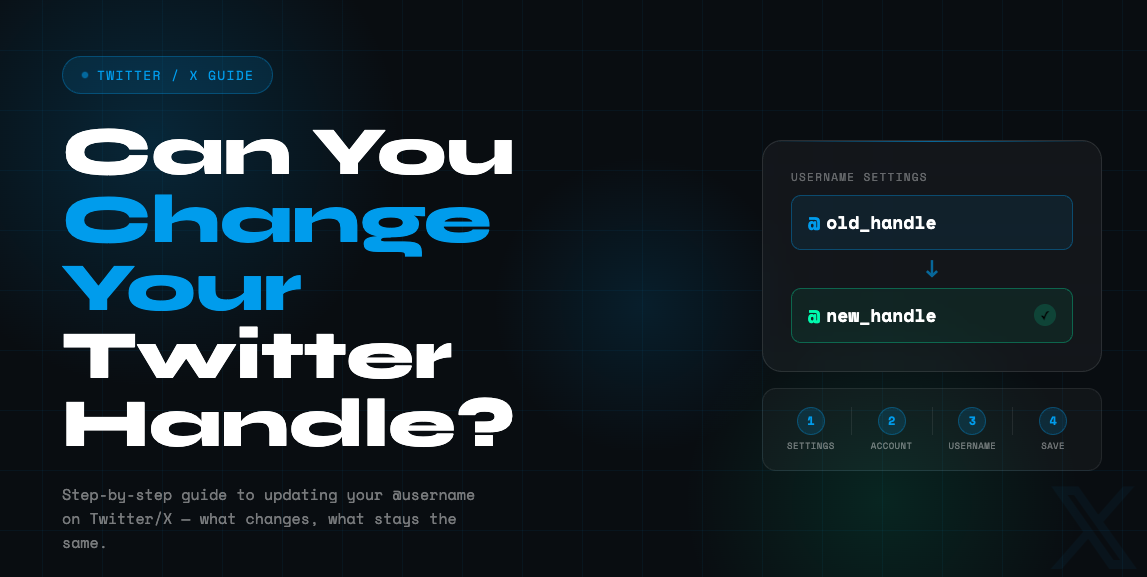
Changing your @username is one of the quickest ways to refresh your identity on X, still widely called Twitter, but it works best when you understand what a handle affects and what it does not. Your username, also called your handle, is the unique identifier that starts with the @ symbol and appears in your profile URL, replies, and Direct Messages.
What A Twitter Handle Is And What Changes
On X, your username is the @handle people use to find you, mention you, and message you. It is also part of your profile URL. X separates this from your display name, which can be changed independently and does not need to be unique.
When you switch your username, a few things can shift immediately.
- Your profile URL updates to the new handle because the handle is part of the URL.
- People searching your old handle may not find you unless they know the new one.
- Old links or tags that use the old handle can stop pointing cleanly to your account, which is why X itself warns that old tags or links could break after a handle change.
- Your old handle can become available for someone else to claim, so waiting too long to communicate the change can create confusion.
How To Change Your Handle In Account Settings
If you are asking can you change your twitter handle, the platform answer is yes, and X provides an official flow in Settings and privacy. If you are wondering can you change your handle on twitter from the mobile app, note that X says changing a username may not be supported in the mobile apps in some cases, and recommends using x.com or mobile.x.com if you cannot access the option.
- Open Settings and privacy
- Go to Account
- Select Username
- Enter the new handle, and if it is taken you will be prompted to choose another
- Save
X also publishes basic rules for usernames like allowed characters and formatting, which matters if your save button does nothing or you keep seeing an invalid message.
Quick clarity line for search intent
can you change your twitter handle? Yes, through the Username field in account settings, with availability checks and rule limits applied.
Can You Change Your Twitter Handle Without Losing Followers
Many users worry about follower loss, and the short operational answer is that changing your handle does not automatically remove followers, posts, or DMs. The bigger risk is social confusion. People may not recognize the new handle and may assume they followed the wrong account.
This is the exact scenario behind the keyword can you change your twitter handle without losing followers, and the best practice is to treat it like a mini rebrand
- Post a quick announcement before and after the change.
- Update your bio so the new handle still matches the identity people expect.
- Monitor for impersonation attempts, since your old handle may free up for other users to take.
If your handle was obtained through the X Handle Marketplace, there are extra constraints. X states handle transfers are limited to one transfer every six months per account, and that X can reclaim the handle you received through the marketplace if you later change it.
How Often Can You Change Your Twitter Handle
People ask how often can you change your twitter handle and the platform does not publish a simple daily or monthly counter in the main handle change article. In practice, what users experience is not a fixed schedule limit but friction from availability rules and occasional rate limiting, which shows up as errors like being temporarily limited when saving.
A safe way to think about frequency is
- X does not publicly list a strict number of allowed username changes in the core help article.
- If you attempt repeated changes in a short window, you may hit a temporary rate limit style error, and the correct move is to wait and retry rather than spamming save.
- If your change involves the Handle Marketplace, transfer frequency is explicitly limited to one transfer every six months.
That also answers how many times can you change your twitter handle in a practical sense. You can update when needed, but frequent switching is a bad idea for brand clarity and can trigger temporary restrictions in real use.
What To Do Right After You Change It
The first few hours after a handle switch are when most confusion happens. X itself recommends preparing followers for a handle change and highlights that old tags or links could break, so it is smart to handle cleanup immediately.
Checklist that keeps you discoverable
- Update your profile link anywhere it appears, like your website, email signature, Link in bio tools, and other social profiles
- Pin a post that states your new handle for a week
- Search your old handle in X search and check what still appears
- Watch your mentions for a couple of days because some people will keep tagging the old handle out of habit
- If you are a brand or creator, update any scheduled posts that still reference the old @username
Avoid trying to game the system by creating lookalike accounts or misleading handles. X has policies focused on authenticity and inauthentic behavior that can create account risk when patterns look manipulative.
Troubleshooting Common Handle Change Problems
If your new handle will not save, the issue is usually one of these three categories.
The handle is unavailable
Some usernames are taken or unavailable for other reasons, and X advises selecting a different one when that happens.
You cannot change it in the app
X notes that changing usernames may not be supported in the mobile apps, and recommends doing it through x.com or mobile.x.com. If you do see the setting in your app, it may still fail depending on rollout state, so the web route is the most consistent option.
The platform will not save your account settings
X lists common reasons settings do not save, including problematic characters in your name or URLs flagged as unsafe in your profile fields. Fixing those can allow the change to go through. If you keep seeing a temporary limit message, pause and try later. Rapid retries can extend the problem. The more controlled approach is one clean attempt, then a wait window, then another attempt.