آیا میتوان نام کاربری تیکتاک را تغییر داد
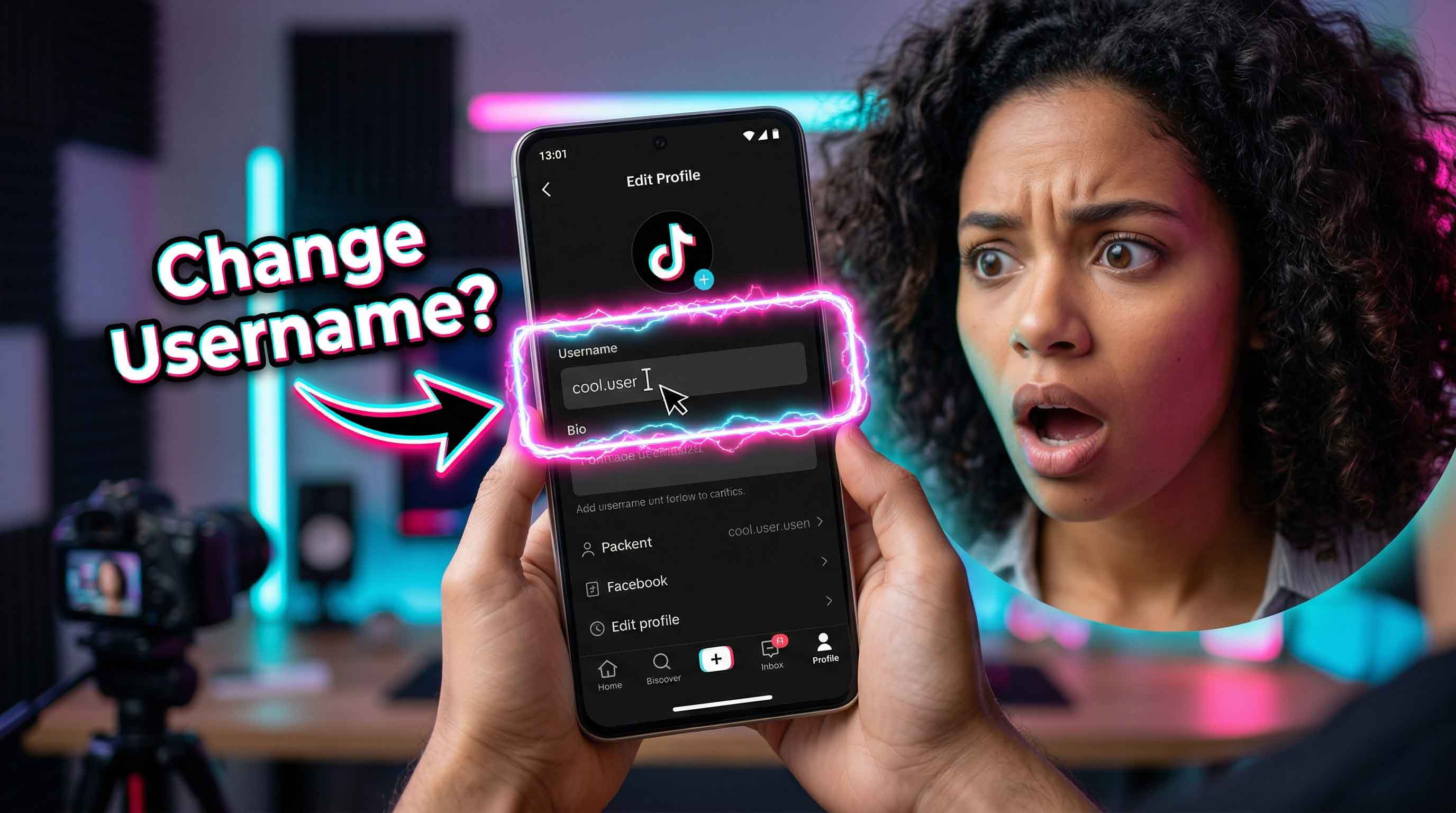
بله، شما میتوانید نام کاربری خود را در تیکتاک تغییر دهید و این برنامه این فرآیند را نسبتاً ساده نگه داشته است. تیکتاک توضیح میدهد که حساب شما هم نام مستعار و هم نام کاربری دارد. نام کاربری شما همان @handle است که در پروفایل شما نشان داده میشود و بخشی از لینک پروفایل شما نیز هست. نام مستعار شما نام نمایشی است که افراد در سراسر برنامه میبینند. این تفاوت مهم است، زیرا بسیاری از کاربران فکر میکنند در حال ویرایش یک چیز هستند در حالی که اینطور نیست. اگر هدف یک هندل تمیزتر، تغییر برند یا یک نام کاربری شخصیتر باشد، تیکتاک به شما اجازه میدهد آن را از تنظیمات پروفایل خود بهروزرسانی کنید.
آیا میتوان نام کاربری تیکتاک را تغییر داد؟
پاسخ کوتاه بله است. در راهنمای فعلی تیکتاک، برنامه میگوید میتوانید نام کاربری خود را با باز کردن پروفایل، ضربه زدن روی ویرایش پروفایل، انتخاب نام کاربری، وارد کردن نام جدید و ذخیره آن تغییر دهید. تیکتاک همچنین خاطرنشان میکند که نام کاربری برچسبی است که به حساب شما متصل است، مانند @username، در حالی که نام مستعار نام پروفایل گستردهتری است که در سراسر پلتفرم به دیگران نشان داده میشود. این تمایز سردرگمی زیادی را برای کاربرانی که پروفایل خود را بهروزرسانی میکنند و سپس تعجب میکنند که چرا @handle همراه با آن تغییر نکرده است، برطرف میکند. برای بسیاری از افراد، سوال بزرگتر این نیست که آیا این گزینه وجود دارد یا خیر، بلکه این است که آیا تغییر آن امن است یا خیر. در استفاده عادی، بله، امن است. با این حال، تیکتاک اشاره میکند که تغییر نام کاربری شما لینک پروفایل شما را نیز تغییر میدهد. بنابراین اگر URL پروفایل فعلی شما در بیوگرافیها، صفحات کسبوکار، پستهای قدیمی یا پیامهای اشتراکگذاری شده ظاهر شود، ممکن است پس از ذخیره نام کاربری جدید، آن لینک دیگر مطابقت نداشته باشد. این یک جزئیات کوچک است، اگرچه اگر افراد به طور منظم شما را از طریق هندل قدیمیتان جستجو کنند، میتواند بیش از حد انتظار مهم باشد.
چگونه میتوان نام کاربری تیکتاک را تغییر داد؟
اگر میپرسید چگونه میتوان نام کاربری تیکتاک را تغییر داد، مراحل ساده است. تیکتاک میگوید برنامه را باز کنید، روی پروفایل در پایین ضربه بزنید، ویرایش پروفایل را انتخاب کنید، روی نام کاربری ضربه بزنید، نام کاربری جدید خود را تایپ کنید و سپس ذخیره را بزنید. این فرآیند در داخل برنامه اتفاق میافتد نه از طریق یک ابزار دسکتاپ جداگانه یا صفحه مرکز حساب. برای اکثر کاربران، پس از در دسترس بودن نام جدید و رعایت قوانین نام کاربری تیکتاک، کمتر از یک دقیقه طول میکشد. تیکتاک همچنین چند محدودیت قالب تعیین میکند. طبق صفحه راهنمای آن، نامهای کاربری میتوانند شامل حروف، اعداد، زیرخط و نقطه باشند. نقطهها را نمیتوان به انتهای نام کاربری اضافه کرد. این بدان معناست که هندلی که روی کاغذ خوب به نظر میرسد ممکن است قبل از پذیرفته شدن در برنامه نیاز به یک تنظیم کوچک داشته باشد. اگر نام مورد نظر شما گرفته شده باشد، یک تغییر کوچک با یک عدد، زیرخط یا نقطه میانی معمولاً عملیترین راه است.
چند بار میتوان نام کاربری تیکتاک را تغییر داد؟
این بخشی است که بسیاری از کاربران پس از انجام یک ویرایش سریع و تلاش مجدد خیلی زود برای آن جستجو میکنند. تیکتاک میگوید نام کاربری شما را میتوان هر 30 روز یک بار تغییر داد. بنابراین اگر امروز آن را بهروزرسانی کنید و فردا نظرتان تغییر کند، برنامه اجازه نمیدهد بلافاصله آن را برگردانید. این قانون 30 روزه یکی از مهمترین جزئیاتی است که قبل از ذخیره یک هندل جدید باید بدانید، زیرا حتی یک اشتباه تایپی کوچک میتواند شما را منتظر پنجره تغییر بعدی بگذارد. کمی مکث قبل از ضربه زدن روی ذخیره کمک میکند. یک نام کاربری میتواند بر لینک پروفایل شما، نحوه جستجوی دوستان برای شما و نحوه نمایش حساب شما در اسکرینشاتها یا ذکرهای اشتراکگذاری شده تأثیر بگذارد. تیکتاک همچنین میگوید اگر نام کاربری خود را رها کنید، برای مدت کوتاهی نمیتوانید آن نام کاربری را دوباره به یک حساب اضافه کنید. بنابراین اگر فقط برای آزمایش یک ایده آن را تغییر میدهید، ارزش دارد ابتدا مطمئن شوید.
نام کاربری و نام مستعار یک چیز نیستند
بسیاری از ناامیدیهای تیکتاک از اینجا شروع میشود. تیکتاک نام مستعار و نام کاربری را جدا میکند و آنها از قوانین مختلفی پیروی میکنند. نام کاربری همان @handle و بخش لینک پروفایل است. نام مستعار نام نمایشی است که در سراسر تیکتاک نشان داده میشود. تیکتاک میگوید نامهای مستعار را میتوان هر 7 روز یک بار تغییر داد، در حالی که نامهای کاربری را میتوان هر 30 روز یک بار تغییر داد. بنابراین اگر میخواهید ظاهر پروفایل جدیدی داشته باشید بدون اینکه به یک هندل جدید متعهد شوید، بهروزرسانی نام مستعار اغلب راه آسانتری است. این میتواند برای کاربرانی که میخواهند یک بهروزرسانی ملایمتری داشته باشند اطمینانبخش باشد. شاید میخواهید صفحه شما شخصیتر، شستهرفتهتر یا هماهنگتر با محتوای شما به نظر برسد، اگرچه آماده نیستید @handleای را که مردم از قبل میشناسند تغییر دهید. در این صورت، نام مستعار انعطافپذیری بیشتری به شما میدهد. نام کاربری تغییر ساختاری بیشتری است، در حالی که نام مستعار بیشتر شبیه یک برچسب قابل مشاهده است که میتواند بیشتر بهروزرسانی شود.
پس از تغییر نام کاربری چه اتفاقی میافتد
پس از تغییر نام کاربری، لینک پروفایل شما نیز تغییر میکند. تیکتاک این را به وضوح در راهنمای خود بیان میکند و نادیده گرفتن آن در لحظه آسان است. اگر کسی URL پروفایل قدیمی شما را ذخیره کرده باشد، آن لینک قدیمی ممکن است دیگر بهترین راه برای پیدا کردن شما نباشد. این برای خالقان محتوا، کسبوکارهای کوچک و هر کسی که پروفایل تیکتاک خود را خارج از برنامه به اشتراک گذاشته است، محسوستر است. جزئیات دیگری نیز وجود دارد که ارزش دانستن دارد. تیکتاک میگوید نام مستعار، نام کاربری و عکس پروفایل شما برای هر کسی در داخل یا خارج از تیکتاک قابل مشاهده است، چه حساب شما خصوصی باشد چه عمومی. برای حسابهای عمومی، تیکتاک همچنین میگوید پروفایلها و ویدیوها میتوانند خارج از پلتفرم قابل مشاهده و اشتراکگذاری باشند و محتوا ممکن است در موتورهای جستجو یا سایتهای دیگر ظاهر شود. بنابراین تغییر نام کاربری فقط یک تنظیم درون برنامهای نیست. میتواند بر نحوه نمایش حساب شما در سراسر وب گستردهتر نیز تأثیر بگذارد.
اگر بخواهید نام کاربری تأییدشده یا مرتبط با کسبوکار را تغییر دهید چه؟
تیکتاک یک نکته اضافی برای حسابهای تأییدشده اضافه میکند. صفحه راهنمای آن میگوید اگر میخواهید نام کاربری یک حساب تأییدشده را تغییر دهید، باید از طریق مسیر پشتیبانی با تیکتاک تماس بگیرید. این منطقی است، زیرا هندلهای تأییدشده بیشتر به هویت و اعتماد عمومی گره خوردهاند. برای خالقان محتوا، برندها و حسابهای عمومی، تغییر نام کاربری معمولاً ارزش دارد که قبل از اقدام کمی بیشتر به آن فکر کنید. برای پروفایلهای مرتبط با کسبوکار، هوشمندانه است که ابتدا سایر لینکهای پروفایل خود را بررسی کنید. اگر هندل تیکتاک شما در اینستاگرام، یوتیوب، امضاهای ایمیل، ابزارهای لینک در بیو یا کیتهای برند ظاهر شود، بهروزرسانی آن مکانها بلافاصله پس از تغییر میتواند از سردرگمی جلوگیری کند. بخش برنامهای ویرایش سریع است. پاکسازی در سراسر وب ممکن است کمی بیشتر طول بکشد. به همین دلیل است که بهترین بهروزرسانیهای نام کاربری معمولاً برنامهریزی شده به نظر میرسند تا عجولانه.